
Mitutoyo Reseller Resources - Quadrature
FlexWedge Interfaces for Quadrature Devices
|
FW-QUAD1
|
FW-QUAD3
|
|
FlexWedge for Quadrature Manual |
|
|
Note: Units have DB15 connectors that mate directly to AT116 Linear scales Other pin-outs and connectors can be connected via a converter or jumper cable |
|
|
FWQ-2WAY
Splitter cable for 2 Inputs |
FWQ-3WAY
Splitter cable for 3 Devices Note: This is used for 16 bit resolution only |
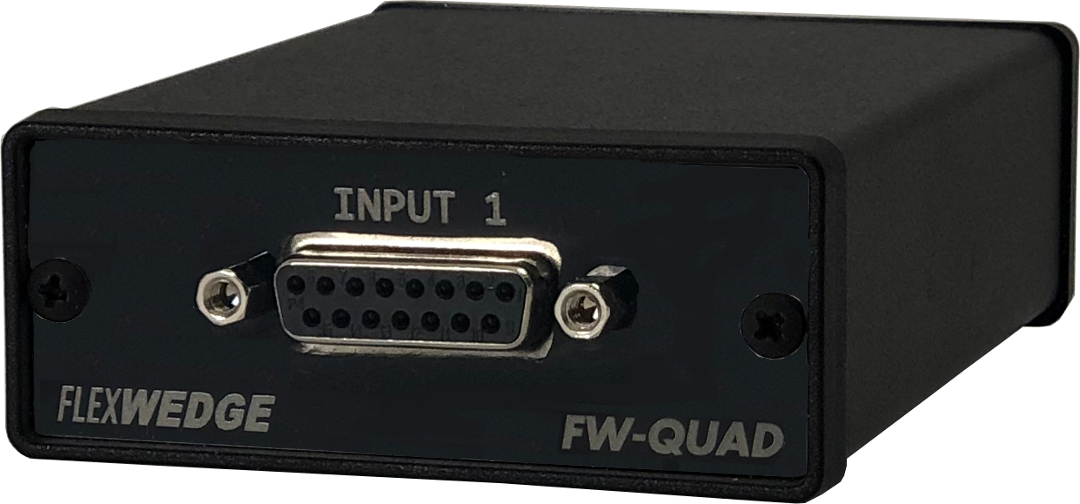
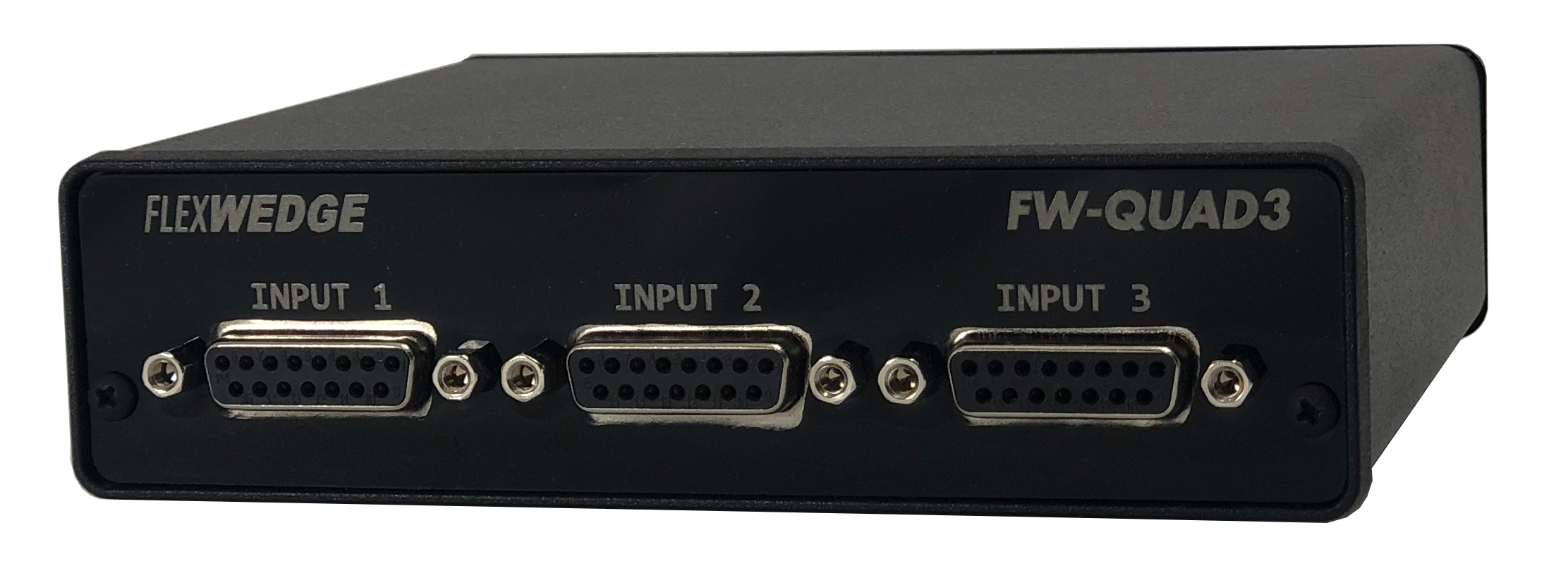
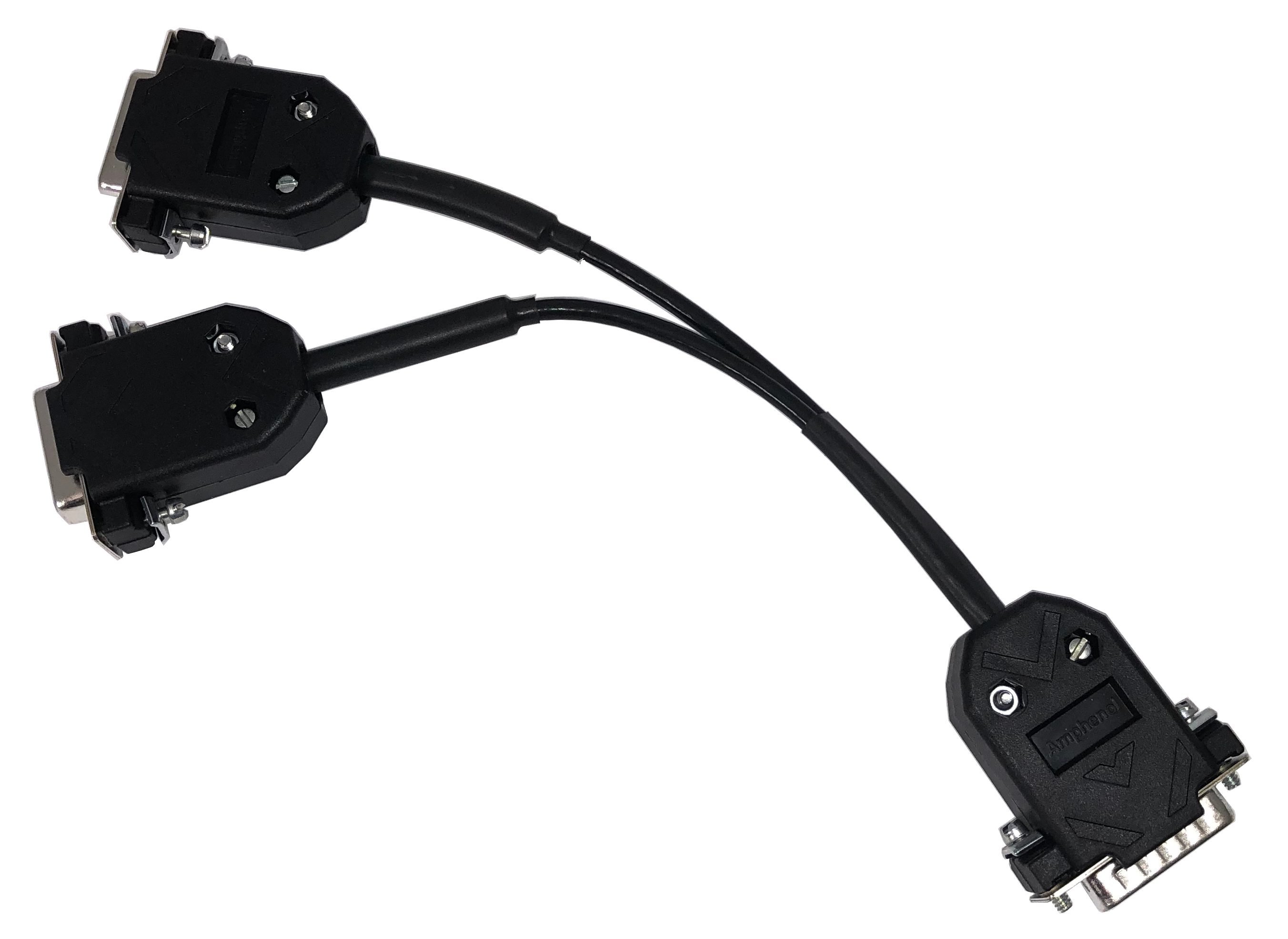
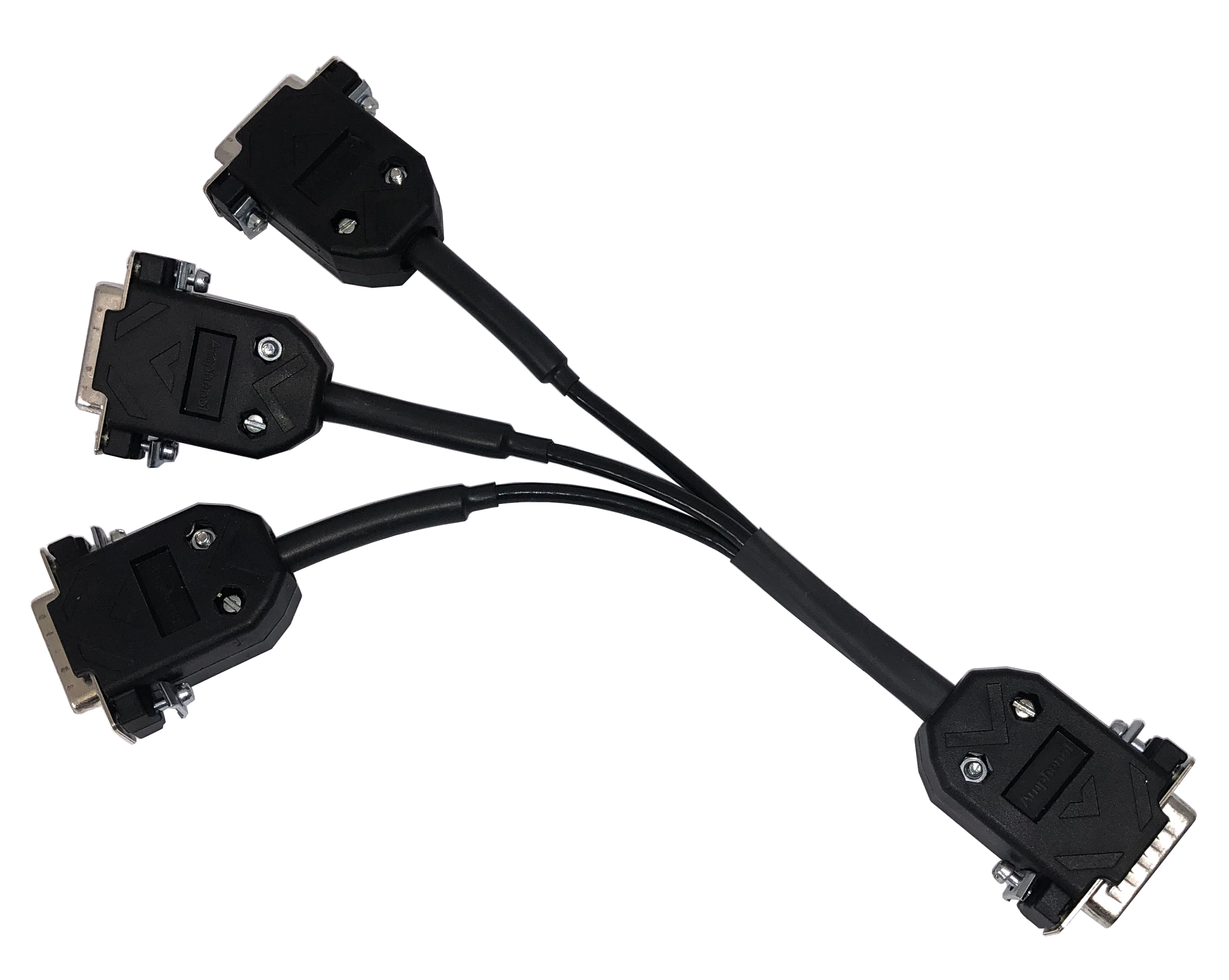
The FlexWedge FW-QUAD1 and FW-QUAD3 accept both squarewave and sinewave (sinusoidal) signals with 90° phase-sifted signals. The FW-Quad interfaces will automatically calibrate to 1Vpp or 2Vpp and can connect up to 9 devices (using splitter cables) to USB serial port.
Quadrature Signal:
- Devices are connected to interface directly or with cable adapters.
- Input connectors designed for most linear scales with DB15 (AT116 standard)
- Device/cable adapters available to convert to standard input from non-standard devices
Single or Differential device input types:
- Squarewave and Sinewave devices mixed port to port
- Devices with A/B Output signal
- Devices with Differential output signals: A/-A and B/-B
Processing data from devices:
- Processing speed up to 40 Mhz
- Self-calibration to 1Vpp or 2Vpp signal is done automatically once device beginning to send signal
- Analog resolution 16, 24,or 48 bit for each input (depending on input configuration)
Input options:
- Linear Scales
- Linear Gages
- Any device with quadrature output
- Each DB15 can connect up to 3 devices with splitter cables (not included)
Output options:
- Streaming data to output port
- Host data request
- Data switch trigger
|
Specifications: Dimensions: FW-QUAD1 – 2.75”w x 4”d x 1.2”h FW-QUAD3 - 5.5”w x 5.5”d x 2.5”h Power: Pulls power from USB port Output connector: USB type B Input connector: DB15 standard LED: Toggles when sending data |
Output:
Optional output: (This is for readings only...setup is down with USB VCP)
I/O: Dataswitch for triggering data send Signal input:
(Cables specific for device output required) |